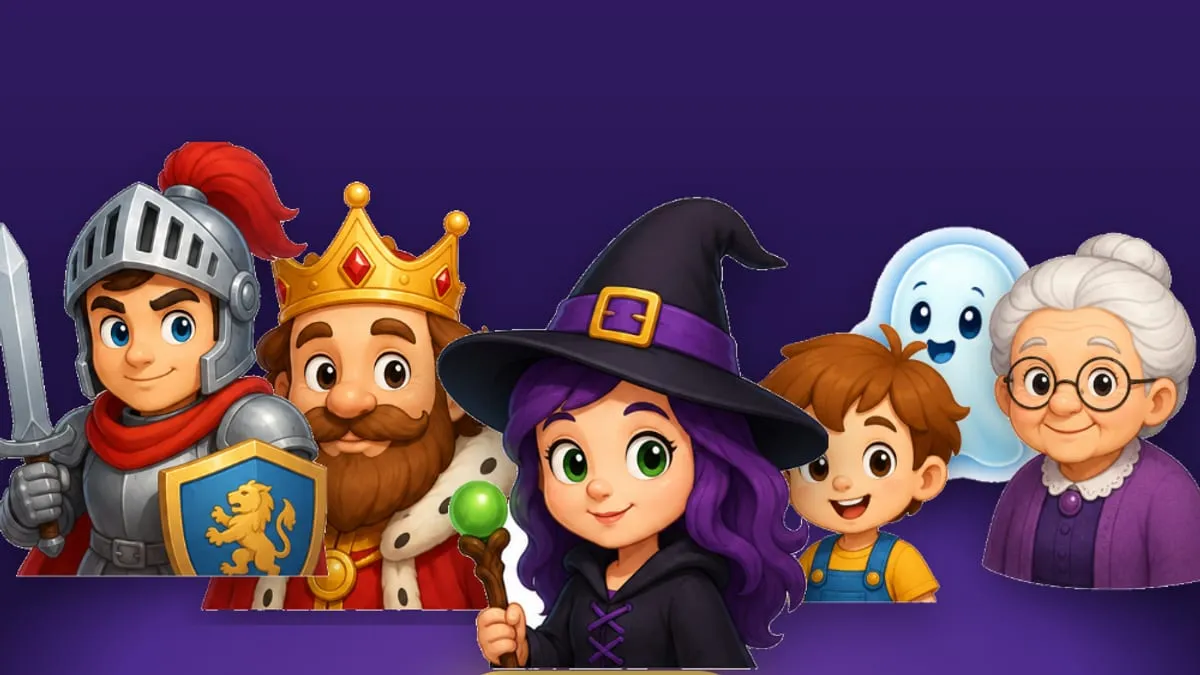
Storyteller
Choose your storyteller. Shape the story.

Find the exit. Don't get heard.
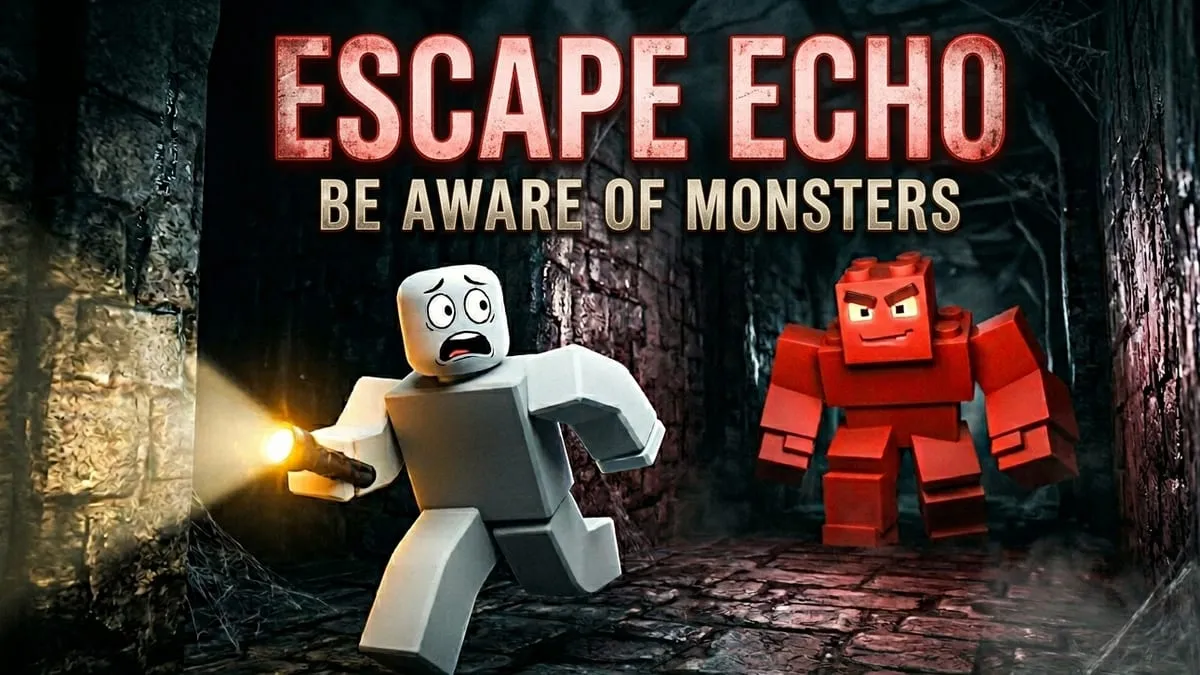

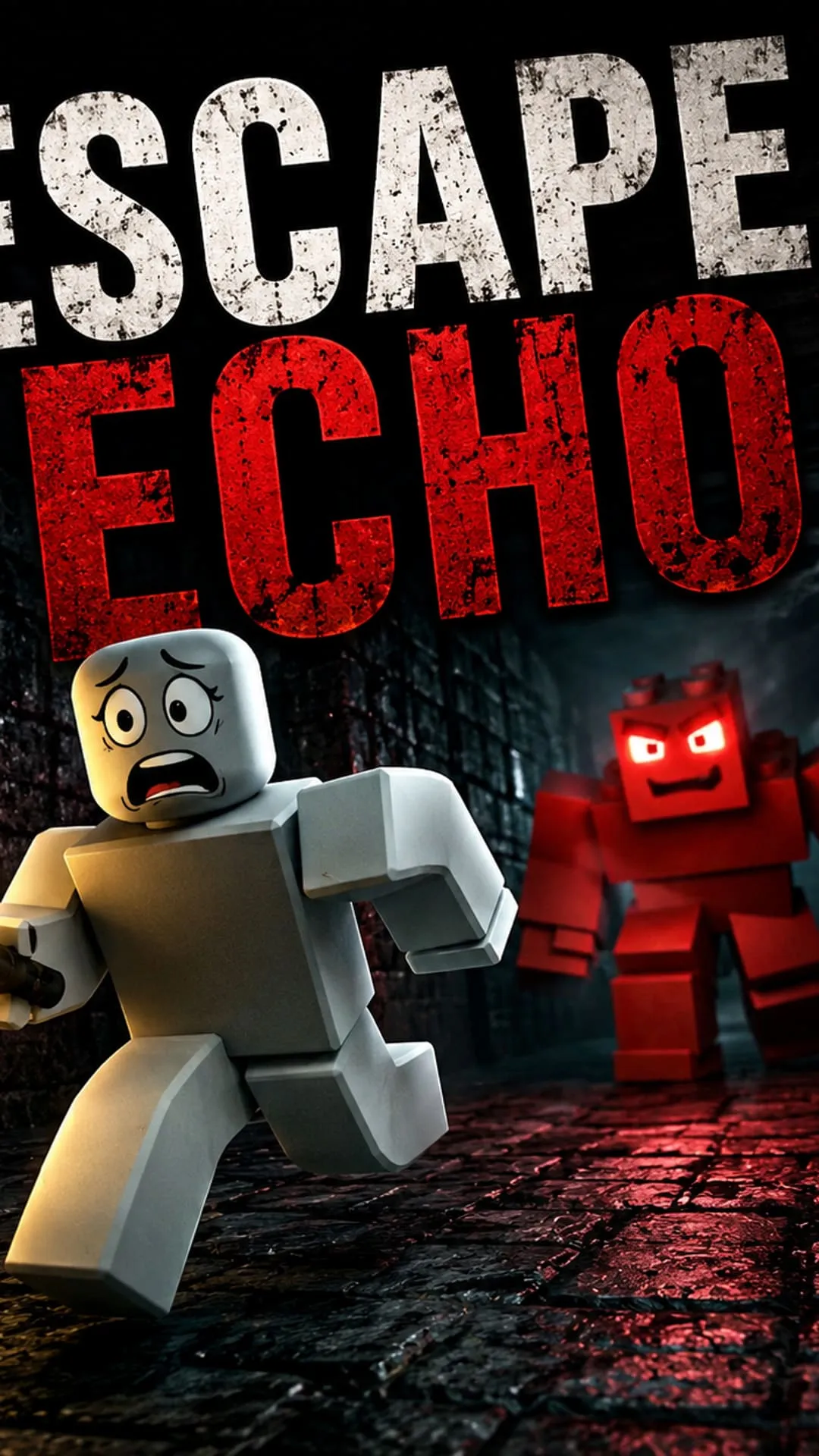
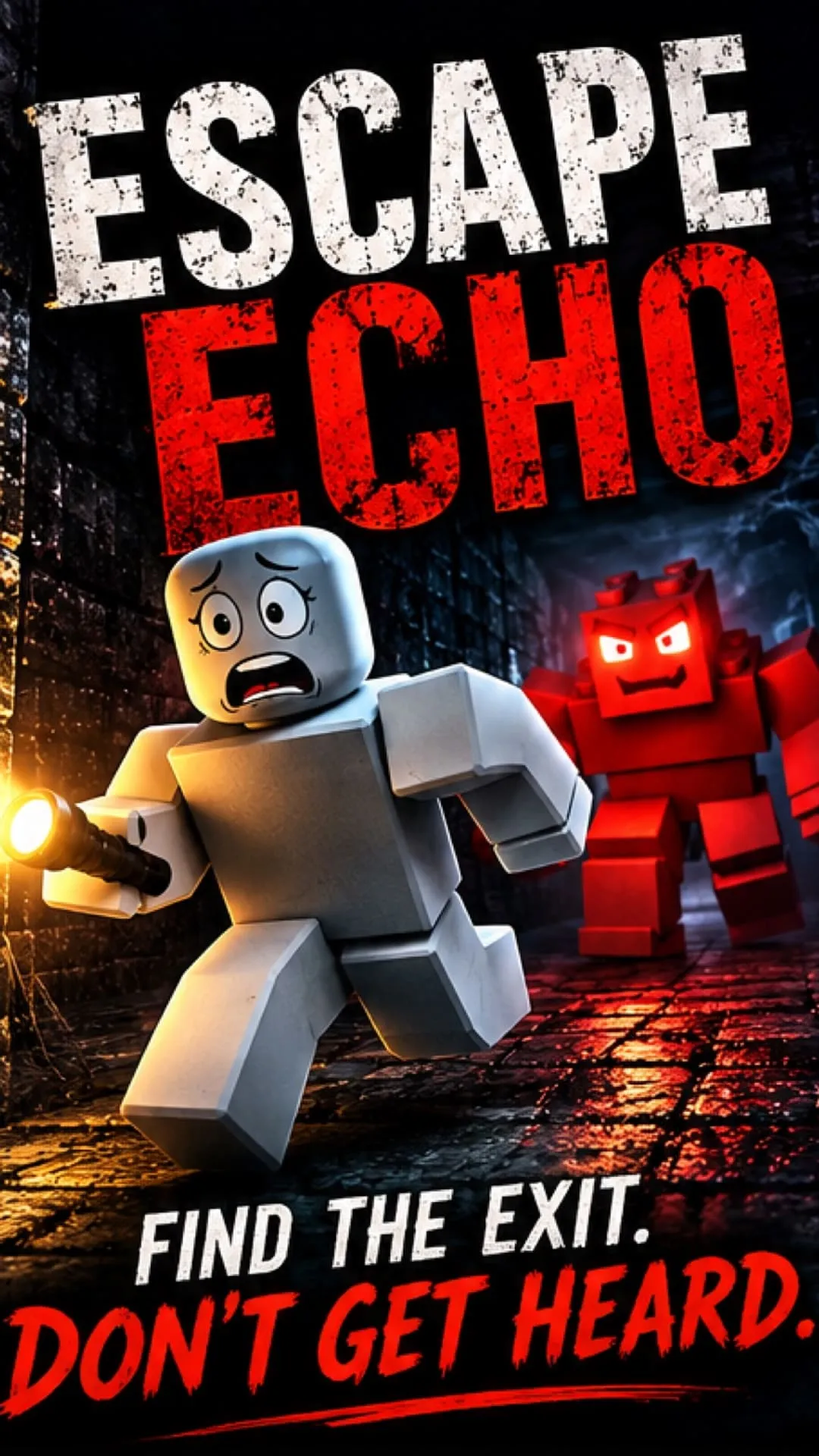
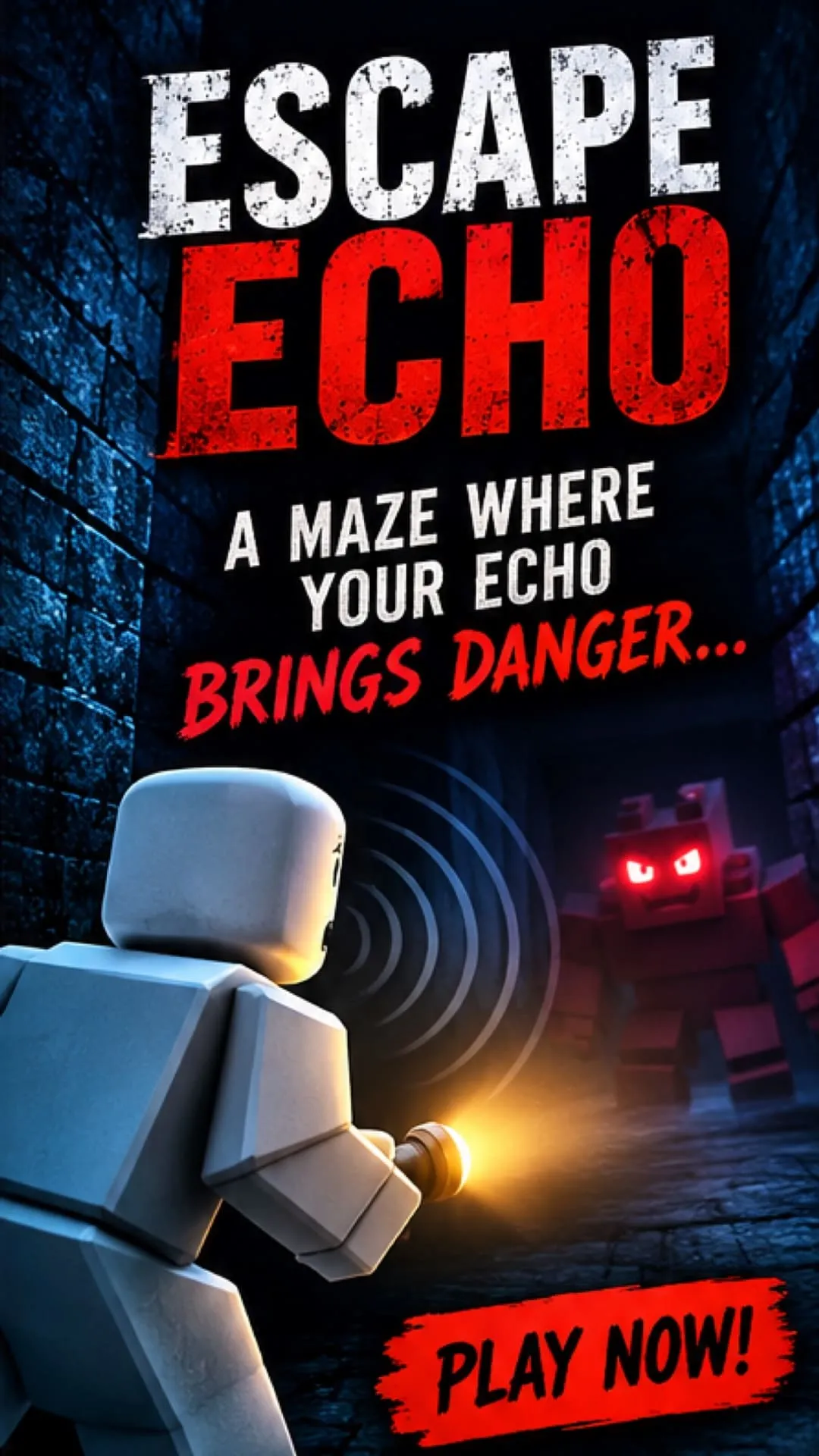
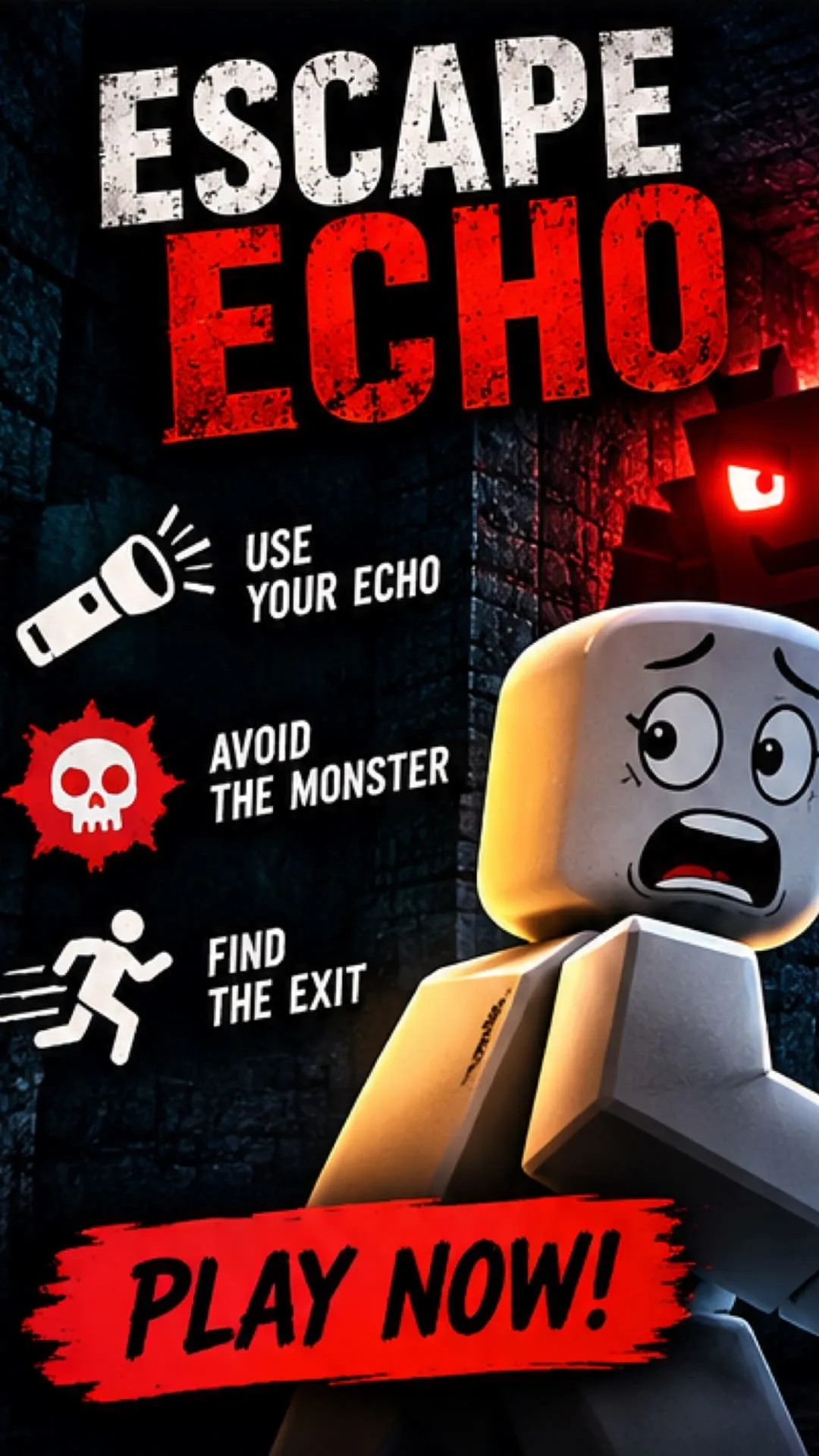
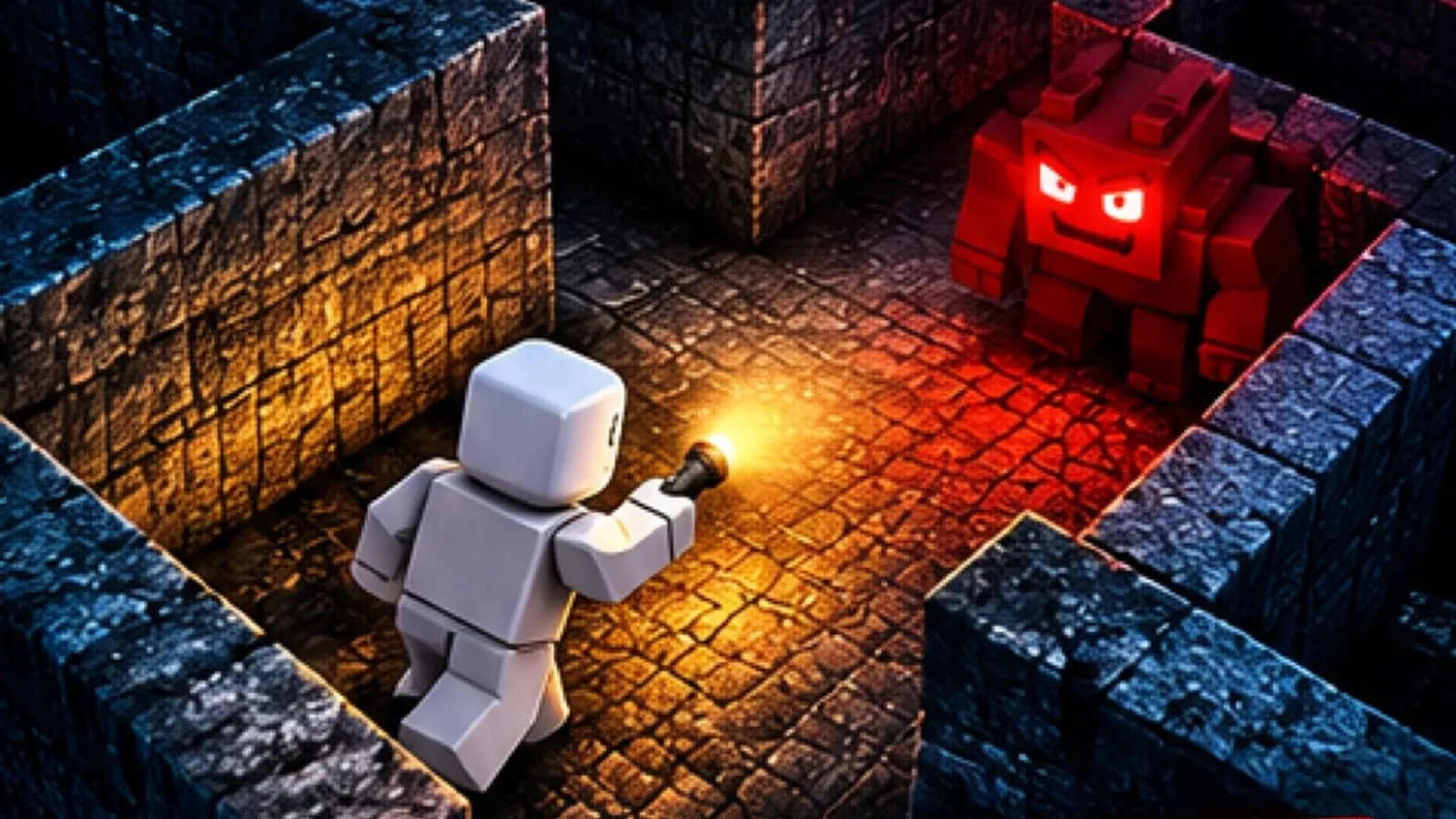
Lost in a pitch-black maze with something hunting you by sound. In Escape Echo, your echo is the only way to light up the walls around you, but every noise tells the monster exactly where you are. Move carefully, listen, and find the exit before it finds you. Every echo is a choice: stay in the dark, or see the path and risk being heard. Escape Echo is a Roblox maze game for fans of escape games with a little bit of fear, made for players aged 16 and over. It runs on Roblox, so you play it there, under Roblox's own rules for accounts, chat and purchases. It is not a game for young children – for them we make our other games. Play it now on Roblox.
No. Escape Echo is meant for players aged 16 and over. For younger children we recommend our other games – they are calm, ad-free and made for kids.
A little. The maze is pitch-black, your echo shows the walls only for a moment, and a red block monster follows every sound you make. The tension comes from the darkness and from deciding when to make noise. It is made for players aged 16 and over, not for younger children.
Use your echo wisely. It lights up the walls around you, so you can see the path – but the monster hears it too. Move carefully, listen, remember the corridors you have already seen and keep looking for the exit.
On Roblox. Use the Roblox button on this page to open the game. You need a Roblox account to play, and Roblox platform rules apply.
Roblox. Accounts, chat and any purchases on the platform follow Roblox's own rules and settings, which we do not control. Parents can manage them in the Roblox account settings – for example, turn off chat or set a spending limit.
Choose your storyteller. Shape the story.
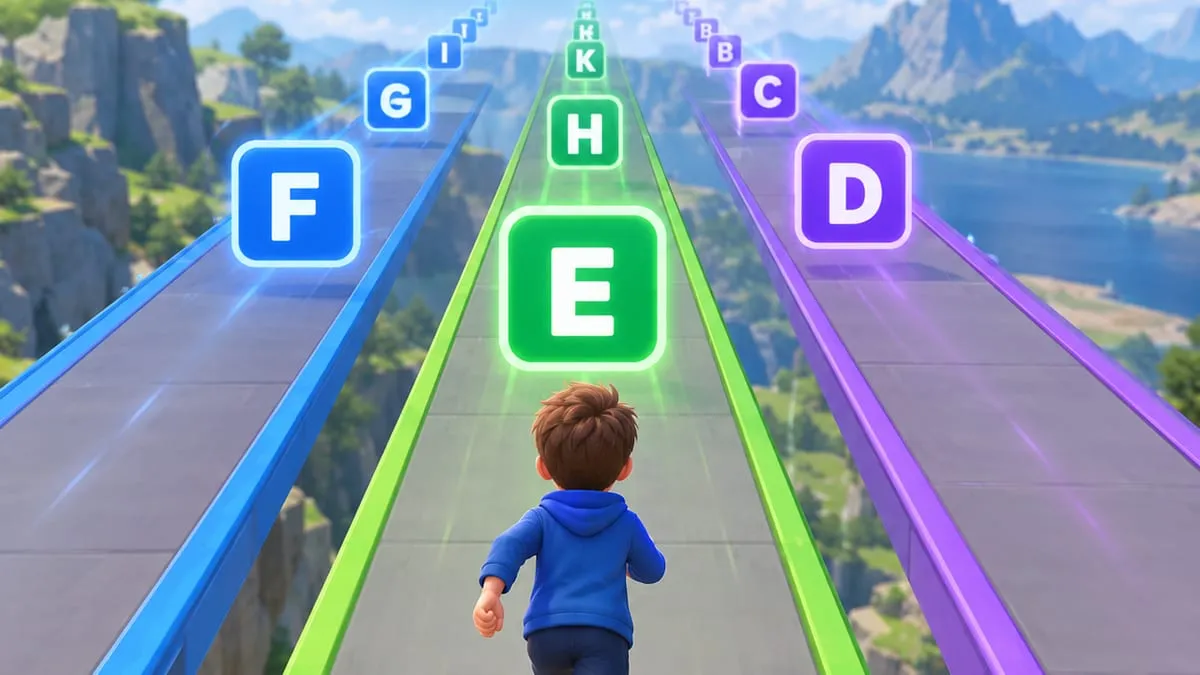
Run, pick the right letter, learn the alphabet.
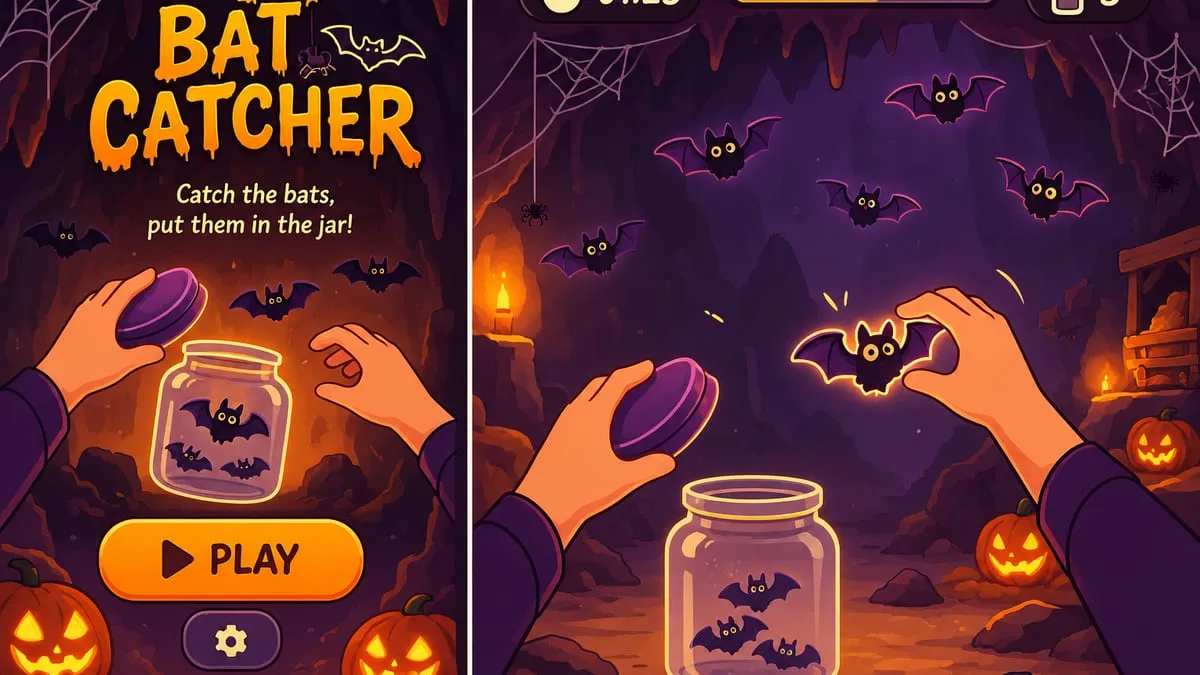
Catch the bats, put them in the jar!